
In the dim glow of a 3D artist’s monitor, a single click can shatter the illusion of complexity. A mesh—once a lifeless collection of vertices—suddenly bends, twists, and animates as if it had always been alive. This isn’t magic. It’s rigging. And the shortcut that makes it possible isn’t hidden in some arcane script or buried in a decade-old forum post. It’s a tool, a mindset, a philosophy that turns the mundane into the extraordinary. The real fascination isn’t in the tool itself, but in how it reveals the hidden language of movement—how a few strategic lines of influence can transform static geometry into a character that breathes, reacts, and captivates.
Every artist has stared at a mesh, willing it to move. The struggle isn’t just technical—it’s existential. You’ve sculpted every contour, defined every edge, and yet, the moment you try to animate, it feels like trying to speak a language you’ve only half-learned. The bones are missing. The joints are silent. The soul of motion is absent. That’s where rigging shortcuts come in—not as a crutch, but as a bridge between the static and the dynamic. They don’t just automate the process; they redefine what’s possible. With the right approach, any mesh—no matter how simple or complex—can become a character. Not just in form, but in function. Not just in appearance, but in expression.
The Hidden Architecture of Movement
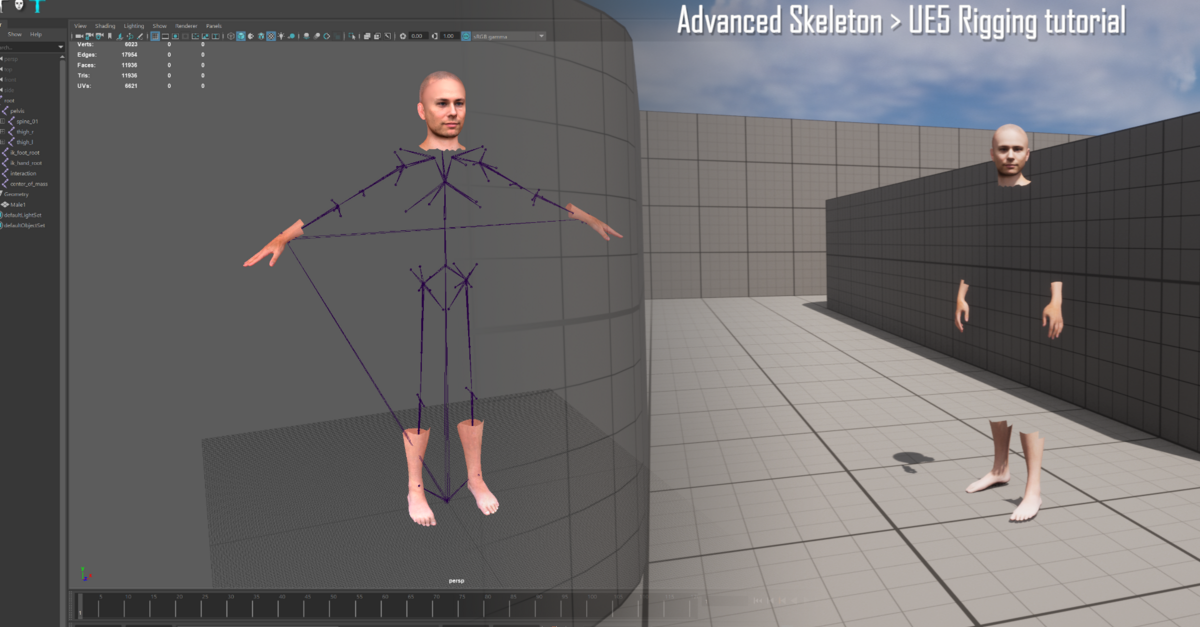
At its core, rigging is the art of embedding intention into geometry. It’s not about adding bones—it’s about creating a nervous system. A mesh doesn’t need to be human to move like one. A lamp can sway. A tree can bend. A cloud can drift. The key lies in identifying the kinematic skeleton—the invisible framework that dictates how parts relate to one another. Think of it as a marionette’s strings, but instead of wood and cloth, it’s vertices and weights. The shortcut isn’t in building this skeleton from scratch every time, but in recognizing patterns. Joints follow hierarchy. Influence follows proximity. Weight follows intention. Once you internalize this, the mesh stops being a collection of points and becomes a living entity, governed by the same physics that animate the world around us.
Consider the humble cylinder. To a beginner, it’s just a tube. To an artist with rigging insight, it’s a potential spine, a limb, a tail. With a few strategically placed joints and a weight-painting pass, that cylinder can arch like a dancer’s back or coil like a spring. The magic isn’t in the tool—it’s in the understanding that every mesh, no matter how abstract, has an underlying structure waiting to be unlocked. The rigging shortcut is the realization that movement isn’t added; it’s revealed.
The Weight of Influence: Where Geometry Meets Emotion
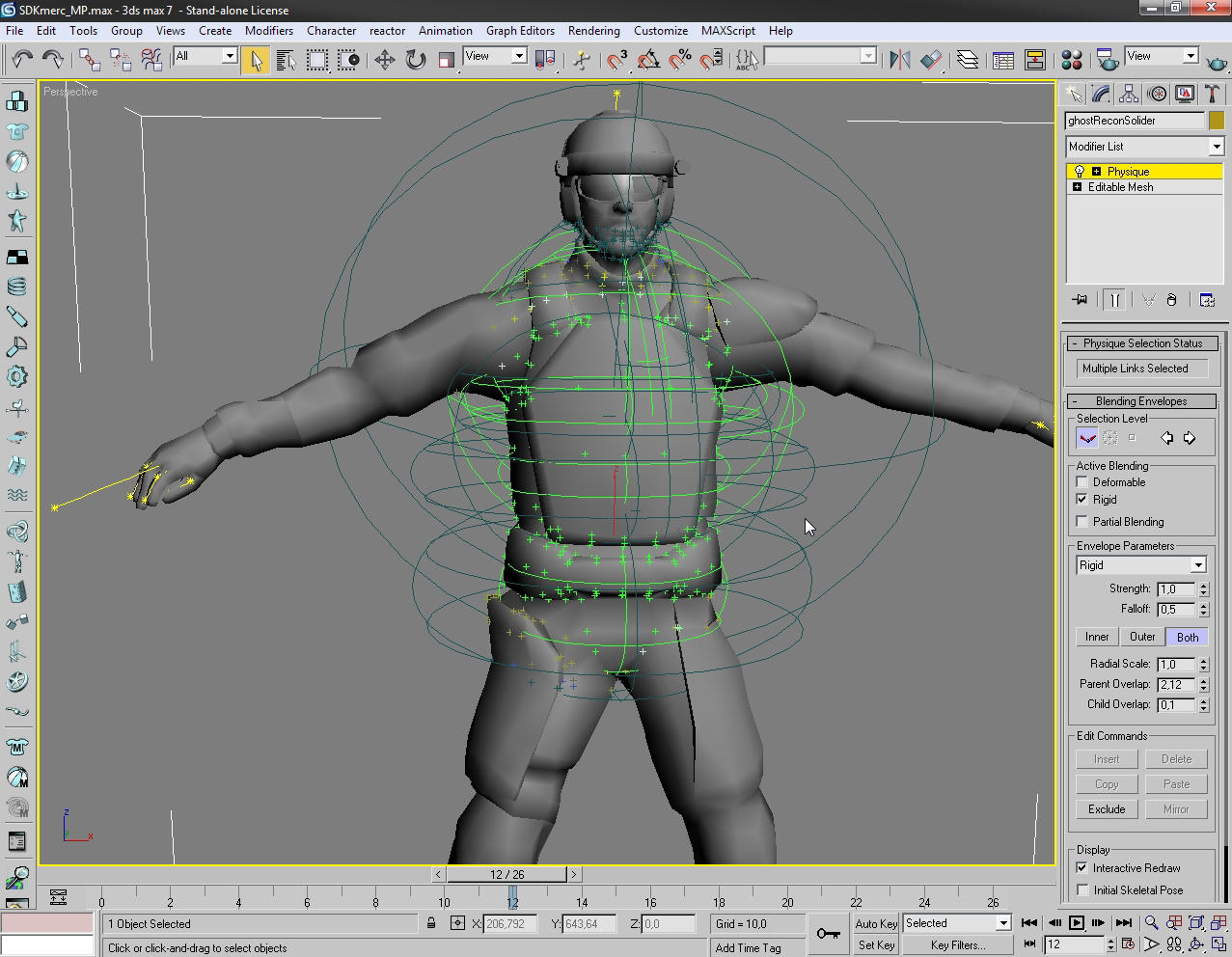
Rigging isn’t just about bones—it’s about weight. The way influence spreads across a mesh determines how it deforms, how it feels, how it breathes. A poorly weighted joint creates a stiff, robotic motion. A well-weighted one makes the mesh feel alive. The shortcut here lies in automation—algorithms that distribute influence based on proximity, curvature, and even artistic intent. Tools that analyze a mesh’s topology and suggest weight distributions aren’t just saving time; they’re preserving the artist’s vision. They ensure that when a character raises an arm, the shoulder doesn’t collapse into a gelatinous blob, and when they smile, the cheeks don’t invert like crumpled paper.
But automation isn’t the endgame. It’s the starting point. The real artistry comes in refining those weights—sculpting the invisible boundaries between influence zones. It’s the difference between a character that moves and one that emotes. A slight adjustment in a jaw joint can turn a neutral expression into a smirk. A tweak in a finger’s weight can make a hand feel like it’s holding something fragile. The rigging shortcut isn’t just about speed; it’s about precision. It’s about understanding that every vertex is a storyteller, and the weights are the script they follow.
From Static to Sentient: The Role of Drivers and Constraints
Rigging shortcuts don’t stop at bones and weights—they extend into the realm of behavior. Drivers and constraints are the unsung heroes of character animation, turning mechanical rigs into responsive entities. A driver can make a character’s pupils dilate when they’re angry. A constraint can ensure a sword always stays in a character’s hand, no matter how they move. These aren’t just technical tricks; they’re the building blocks of personality. They allow a mesh to react, to anticipate, to feel. Without them, even the most beautifully rigged character remains a puppet. With them, it becomes an actor.
The shortcut here is in leveraging procedural systems—tools that automate repetitive tasks while preserving artistic control. Instead of manually adjusting a character’s spine for every step, you set up a system that reacts to their gait. Instead of keyframing every blink, you link it to their emotional state. This isn’t laziness; it’s efficiency. It’s the difference between animating a character and directing one. The rig becomes a living script, where the artist’s intent is encoded into the mesh itself. The result? Characters that don’t just move—they perform.
The Philosophy of the Shortcut: Less Work, More Wonder
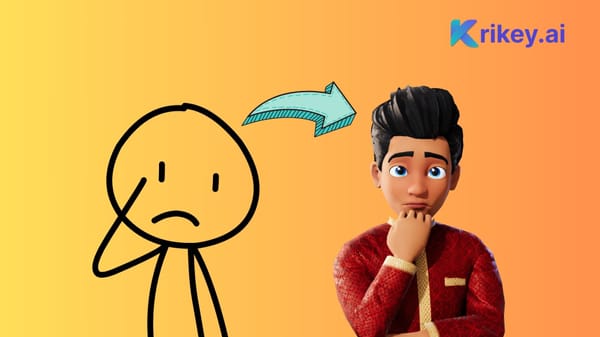
There’s a quiet rebellion in rigging shortcuts. They challenge the notion that complexity equals quality. They prove that less can be more—that a few well-placed joints, a smart weight distribution, and a dash of procedural magic can outshine hours of manual labor. The fascination isn’t in the tool’s power, but in its ability to democratize artistry. Suddenly, a beginner’s cube can become a dancing figure. A student’s sculpt can become a living creature. The shortcut isn’t about cutting corners; it’s about opening doors.
This philosophy extends beyond the technical. It’s a mindset shift. Rigging shortcuts teach artists to see the world differently—to recognize the hidden structures in everything. A door isn’t just a rectangle; it’s a hinge waiting to be rigged. A tree isn’t just foliage; it’s a branching skeleton. The shortcut is the realization that art isn’t about starting from scratch every time. It’s about building on what’s already there. It’s about seeing potential in the ordinary and turning it into something extraordinary.
The final click is always the most satisfying. The mesh twists. The character breathes. The illusion is complete. But the real magic isn’t in the click—it’s in the understanding that came before it. The rigging shortcut isn’t a cheat code. It’s a revelation. It’s the moment an artist stops fighting the mesh and starts collaborating with it. And in that collaboration, something extraordinary happens—not just a character, but a story begins to unfold.


Leave a Comment