
Ever found yourself staring at a blank canvas, wondering how to magically fill in the gaps without Photoshop’s hefty price tag? What if I told you there’s a world of free AI tools that can outshine Photoshop’s generative fill feature—without costing a dime? Buckle up, because we’re about to dive into five hidden gems that will revolutionize your creative workflow.
Imagine transforming a dull photo into a vibrant masterpiece with just a few clicks. Or conjuring up entire landscapes from thin air, all while sipping your morning coffee. The challenge? Most people don’t even realize these tools exist. But fear not—today, we’re unlocking the door to a new era of AI-powered creativity.
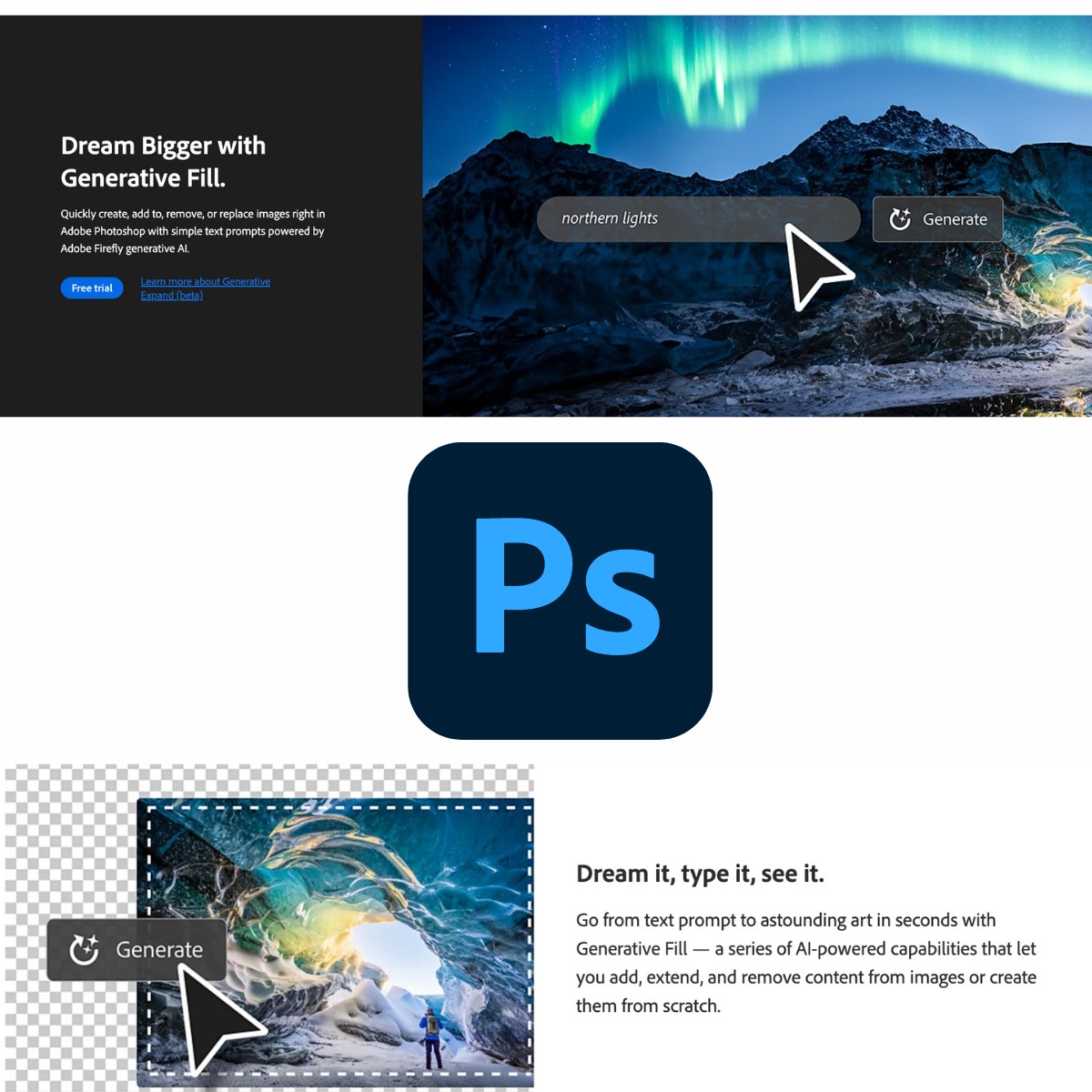
The Magic of Generative Fill: Why Settle for Less?
Generative fill isn’t just about slapping pixels onto a canvas—it’s about breathing life into your imagination. Photoshop’s version is powerful, sure, but it’s also a resource hog and a wallet drainer. Free alternatives, however, offer the same (or better) results without the fuss. These tools harness the same AI sorcery—just with a friendlier price tag.
Think of it like this: Why pay for a five-star meal when you can feast on a gourmet buffet? The ingredients are the same; the presentation just differs. The same goes for AI generative fill tools. They’re not just cheaper—they’re often faster, more intuitive, and packed with unique features Photoshop can’t match.
Tool #1: Canva’s AI-Powered Image Generator – The Democratizer of Design
Canva isn’t just for social media posts anymore. Its AI image generator is a game-changer, allowing you to create, edit, and enhance images with generative fill precision. Simply describe what you want, and watch as Canva’s AI conjures it into existence.
What sets Canva apart? Its seamless integration with design templates. Need a background for a flyer? Describe it, and Canva will not only generate the fill but also match it to your theme. No more wrestling with layers or color palettes—just pure, unadulterated creativity.
Tool #2: DALL·E Mini – The Pocket Picasso
DALL·E Mini (now rebranded as Craiyon) is the wild card of the bunch. While it doesn’t offer traditional generative fill, its ability to create images from text descriptions is unparalleled. Stuck with a boring photo? Describe your dream scene, and DALL·E Mini will paint it for you.
The beauty of this tool lies in its simplicity. No complex interfaces, no tutorials—just type, generate, and marvel. It’s like having a digital Picasso in your pocket, ready to whip up masterpieces at a moment’s notice.
Pro tip: Use it to generate backgrounds or elements, then blend them into your existing projects. The results? Stunning, cohesive compositions that look like they were crafted by a pro.
Tool #3: Runway ML – The Swiss Army Knife of AI Creativity
Runway ML isn’t just a generative fill tool—it’s a full-fledged creative studio. Its AI-powered features include everything from text-to-image generation to video editing. Need to remove an object from a photo? Runway’s generative fill does it in seconds, with photorealistic results.
What makes Runway stand out is its versatility. You can fine-tune your generative fills with precision, adjusting parameters like style, color, and texture. It’s like Photoshop’s generative fill on steroids—without the steep learning curve.
Tool #4: DeepAI’s Image Editor – The No-Frills Powerhouse
Sometimes, you don’t need bells and whistles—just raw, unfiltered power. DeepAI’s Image Editor delivers exactly that. Its generative fill feature is lightning-fast, producing high-quality results with minimal effort.
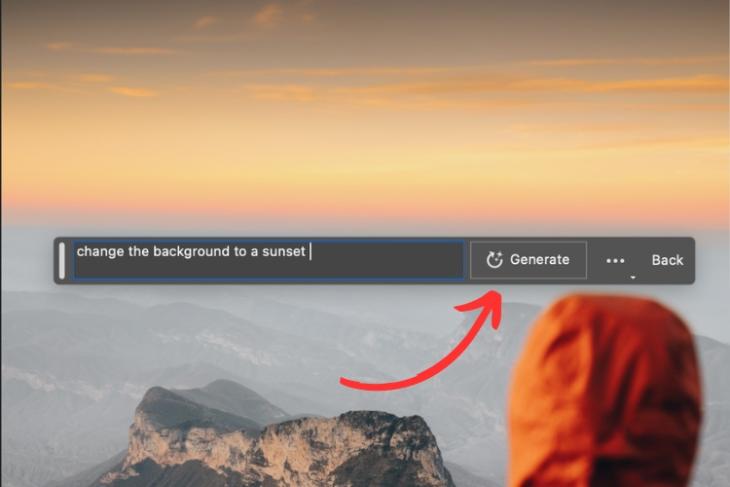
The interface is clean, intuitive, and free of distractions. Upload your image, select the area you want to fill, and describe what you’d like to see. DeepAI’s AI does the rest, blending the new elements seamlessly into your photo.
Perfect for quick edits, social media posts, or even professional projects where time is of the essence. No subscriptions, no hidden fees—just pure, unadulterated AI magic.
Tool #5: Fotor’s AI Image Generator – The All-in-One Solution
Fotor’s AI Image Generator is a jack-of-all-trades, offering everything from generative fill to AI art creation. Its user-friendly interface makes it accessible to beginners, while its advanced features cater to seasoned designers.
What sets Fotor apart is its ability to generate fill based on style. Want a vintage look? A cyberpunk vibe? Fotor’s AI can adapt to your aesthetic, ensuring your generative fills match your creative vision.
Plus, Fotor’s batch processing feature lets you apply generative fills to multiple images at once. Efficiency meets creativity—what’s not to love?
Beyond the Tools: Tips for Mastering Generative Fill
Now that you’ve got the tools, how do you wield them like a pro? Start by experimenting with different prompts. The more specific you are, the better the results. Instead of “a tree,” try “a gnarled oak tree with golden leaves in autumn.”
Don’t be afraid to iterate. Generative fill is a dialogue, not a monologue. Refine your prompts based on the results, tweaking until you achieve perfection.
And remember: context is key. Use generative fill to enhance your images, not overwhelm them. The goal is to create something cohesive, not a chaotic mess of AI-generated chaos.
The Future of Generative Fill: What’s Next?
The world of AI generative fill is evolving at breakneck speed. Soon, we’ll see tools that can generate fill in real-time, adapting to your creative whims on the fly. Imagine sketching an idea, and the AI fills in the details before your pencil even touches the paper.
As these tools become more advanced, the line between human and machine creativity will blur. The question isn’t whether AI will replace artists—it’s how we’ll collaborate with it to push the boundaries of imagination.
So, are you ready to ditch Photoshop and embrace the future of generative fill? The tools are here. The creativity is yours. All that’s left is to dive in and start creating.


Leave a Comment