Have you ever pondered why some PowerPoint presentations resonate joyfully with the audience while others seem painfully tedious? The difference lies not in the content alone but in the application of art fundamentals, particularly the principles of design. This exploration highlights essential components like layout, fonts, and color schemes, unveiling the secret to transforming mundane slides into a masterpiece of elegant communication.
To embark on this creative journey, we must first grasp the significance of design principles, which serve as the backbone of visual composition. Imagine the inherent challenge of crafting a presentation that captivates, engages, and communicates effectively. Are you ready to hone your skills and elevate your PowerPoint presentations to new heights? Let’s delve into the foundational elements of design.
1. Understanding Layout: The Framework of Your Presentation
The layout is the scaffolding upon which the entire presentation rests. A well-structured layout guides the viewer’s eye, facilitating a smooth flow of information. An effective layout embodies hierarchy, alignment, balance, and proximity — guiding the audience through your narrative without cognitive overload.
Start by establishing a clear focal point. What’s the core message of your slide? Utilize the rule of thirds, dividing your slide into three equal horizontal and vertical sections. Position your paramount information at these intersection points. This technique not only draws attention but also enhances retention.
Additionally, employ visual hierarchy. Integrate various font sizes and styles to prioritize your points. Use larger fonts for headings and smaller fonts for supplementary information. This scaffolding technique is essential in delineating key takeaways from supporting data, ensuring your core message remains unambiguous.
Alignment contributes to cohesion. Consistent alignments create a sense of order, while misalignment can foster confusion and chaos. Maintain equal spacing between elements to utilize proximity effectively— grouping related content creates connections and simplifies navigation for the audience.
2. Typography: The Voice of Your Content
When it comes to font choice, steer clear of overly ornate styles that could obfuscate your message. Instead, opt for clean, sans-serif fonts for legibility, especially in smaller sizes. Fonts such as Arial, Helvetica, and Calibri offer clarity, while maintaining professionalism. For headings, you might experiment with serif fonts to convey authority and sophistication, such as Times New Roman or Georgia.
Consistent font selection is paramount. Limit your presentation to two or three complementary typefaces. Maintaining uniformity bolsters professionalism and enhances audience engagement. Remember, readability trumps aesthetics—ensure your audience can effortlessly absorb your content without straining their eyes.
3. Color Theory: The Emotional Palette
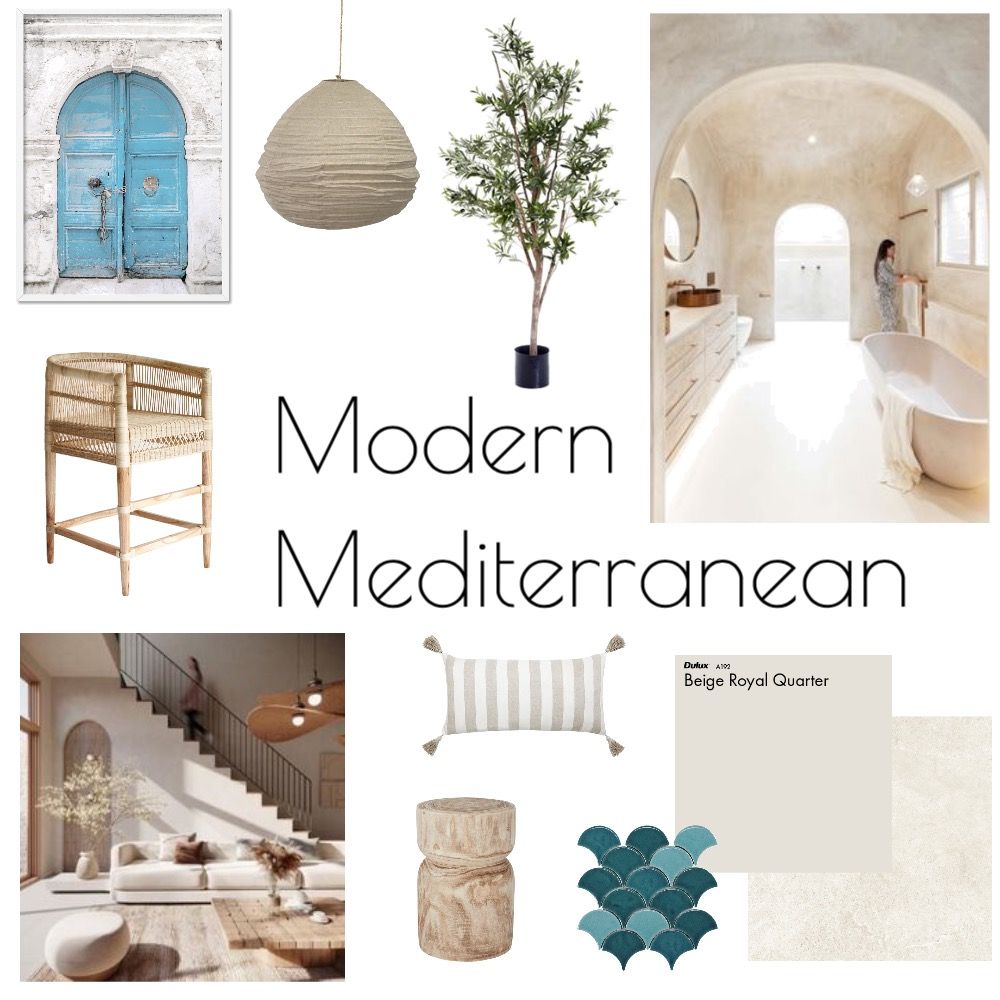
Color invokes emotion. It envelopes your content, stirring feelings, informing decisions, and establishing aesthetic preferences. A strategic color palette can enhance your message and ensure it resonates on multiple levels.
Start by understanding the psychology of color. Warm tones like red and orange evoke excitement but can also incite aggression. Conversely, cool hues such as blue and green promote calmness and trust. Choose your color scheme carefully, ensuring it aligns with the tone of your presentation. For a corporate presentation, a palette of blues and greys speaks to professionalism, while vibrant shades might be suited for creative industries.
Utilize the 60-30-10 rule. Allocate 60% of your presentation to a primary color, 30% to a secondary color, and reserve 10% for accent colors. This stratified approach ensures visual balance and directs focus toward critical elements. To further enhance contrast and readability, ensure that your text color stands in stark opposition to your background color.
4. Visual Elements: Enhancing Comprehension
Integrating visual elements can significantly bolster comprehension and retention. Well-placed graphics, images, and videos serve as visual shorthand; they complement your words and aid in storytelling. When images and text are used in unison, they enhance the overall message, offering your audience both clarity and engagement.
Utilize high-quality images that are relevant to your topic. Pixelated or irrelevant visuals can detract from your message and create a dissonance that confuses your audience. Ensure each image reinforces your primary message and aids in the audience’s understanding.
Diagrams, charts, and infographics can succinctly relay complex information. A well-designed infographic can distill vast amounts of data into a digestible format, making it accessible and engaging. Furthermore, transitions and animations, when used sparingly, can breathe life into your presentation without inducing distraction.
5. Consistency and Branding: Fortifying Identity
Consistency is the unsung hero of effective PowerPoint presentations. Establishing a standard for font styles, colors, and layout not only fortifies coherence but also reinforces your brand identity. Every presentation you create is an opportunity to create recognition and familiarity among your audience.
In branding, subtlety is key. Intersperse your logo and brand colors throughout your slides. However, avoid letting branding overshadow the content. Remember, your audience should never feel like they are being marketed to; rather, they should experience your brand as an extension of their learning experience.
Conclusion: Elevating Your Design Skills
The challenge of crafting an elegant PowerPoint presentation does not have to be daunting. By embracing the principles of design—layout, typography, color theory, and consistency—you cultivate an environment conducive to effective communication. As you become adept at these essentials, your presentations will no longer be mere sequences of slides, but dynamic narratives that engage and inspire your audience.
Are you ready to unveil the artistic power within your presentations? With practice and an eye for design, you can turn every slide into a canvas that speaks volumes. The journey to mastering PowerPoint aesthetics transforms not only your presentations but also the way your audience perceives your message. Let creativity flow, and watch as your ideas come to life!