
In the ever-evolving landscape of digital artistry, the quest to craft a singular, recognizable character across a vast array of images has become both an art and a science. Imagine a protagonist who seamlessly transitions from a bustling cyberpunk metropolis to a serene alpine meadow, her attire shifting from a sleek leather jacket to a flowing silk gown—all while retaining her unmistakable essence. This is the magic of creating a consistent character across 100 images with AI, a process that blends creativity with cutting-edge technology to produce a visual narrative that feels both cohesive and dynamic.
But why stop at 100? The true power of AI-driven character consistency lies in its scalability. Whether you’re crafting a protagonist for a graphic novel, a mascot for a brand, or a digital persona for a video game, the ability to maintain visual harmony across hundreds of images unlocks endless possibilities. This guide will explore the multifaceted journey of creating a consistent character, from the foundational steps of conceptualization to the advanced techniques that ensure uniformity across diverse scenes and styles. Prepare to dive into a world where pixels and imagination collide, and where every detail—from the tilt of a character’s head to the texture of their fabric—is meticulously preserved.
The Alchemy of Conceptualization: Defining Your Character’s Core Identity
Before the first line of code is written or the first prompt is typed, the foundation of a consistent character is laid in the realm of ideas. Conceptualization is where the magic begins, where abstract notions of personality, aesthetics, and narrative converge into a tangible identity. Start by sketching a detailed profile of your character: their age, gender, ethnicity, and even quirks like a scar or a distinctive hairstyle. These elements will serve as the bedrock for AI-generated variations.
Consider the psychological and emotional layers of your character. Are they stoic and mysterious, or vibrant and extroverted? This depth will influence not just their visual design but also their interactions with different environments. For instance, a brooding detective might appear in a dimly lit alleyway, while the same character could radiate warmth in a sunlit café. The AI’s ability to adapt to these nuances depends on how well you define your character’s core traits upfront.
Equally important is the creation of a visual lexicon—a curated collection of reference images that capture the character in various poses, expressions, and outfits. This lexicon acts as a Rosetta Stone for the AI, translating your vision into consistent visual outputs. Include close-ups of facial features, full-body shots, and even stylized illustrations to ensure the AI understands the full spectrum of your character’s design.
Prompt Engineering: The Art of Communicating with AI
Once your character’s identity is crystallized, the next step is to master the language of AI prompts. This is where the abstract meets the concrete, where your carefully crafted character steps into the digital realm through carefully constructed textual instructions. Prompt engineering is less about typing commands and more about conducting a symphony of words, each note resonating with precision to elicit the desired visual output.
Begin with a base prompt that encapsulates your character’s defining features. For example: “A young woman with piercing green eyes, freckles across her nose, and wavy auburn hair, wearing a vintage leather jacket.” This prompt sets the stage, but it’s only the beginning. To achieve consistency across 100 images, you’ll need to layer in additional details that guide the AI’s creative decisions.
Incorporate style modifiers to control the aesthetic of each image. Terms like “cinematic lighting,” “hyper-realistic,” or “watercolor texture” can dramatically alter the mood while preserving the character’s identity. For dynamic scenes, use action-oriented prompts such as “mid-stride, dynamic pose, slight wind blowing through her hair” to ensure the character’s movement feels natural and fluid.
Don’t underestimate the power of negative prompts, either. By excluding unwanted elements—such as “blurry background,” “distorted proportions,” or “unrealistic skin texture”—you refine the AI’s output, steering it toward your vision. This technique is particularly useful when generating images in diverse settings, where the risk of visual inconsistencies is higher.
Style Transfer and Adaptation: Maintaining Uniformity Across Diverse Scenes
One of the most challenging aspects of creating a consistent character is ensuring they look the same whether they’re standing in a neon-lit cyberpunk alley or a sun-drenched Mediterranean village. This is where style transfer and adaptation techniques come into play, allowing your character to retain their core identity while seamlessly blending into any environment.
Start by selecting a base style that will serve as the anchor for all variations. This could be a specific art style, such as anime, photorealism, or watercolor, or it could be a thematic style tied to your project’s narrative. Once the base style is established, use AI tools to apply consistent color grading, lighting, and texture across all images. This ensures that your character’s skin tone, hair color, and clothing remain uniform, even as the background and mood shift.
For scenes with extreme environmental differences, consider using style blending techniques. AI models like Stable Diffusion or MidJourney allow you to interpolate between styles, creating a smooth transition that preserves the character’s identity. For example, you could blend a cyberpunk aesthetic with a fantasy setting, resulting in a character who looks equally at home in both worlds.
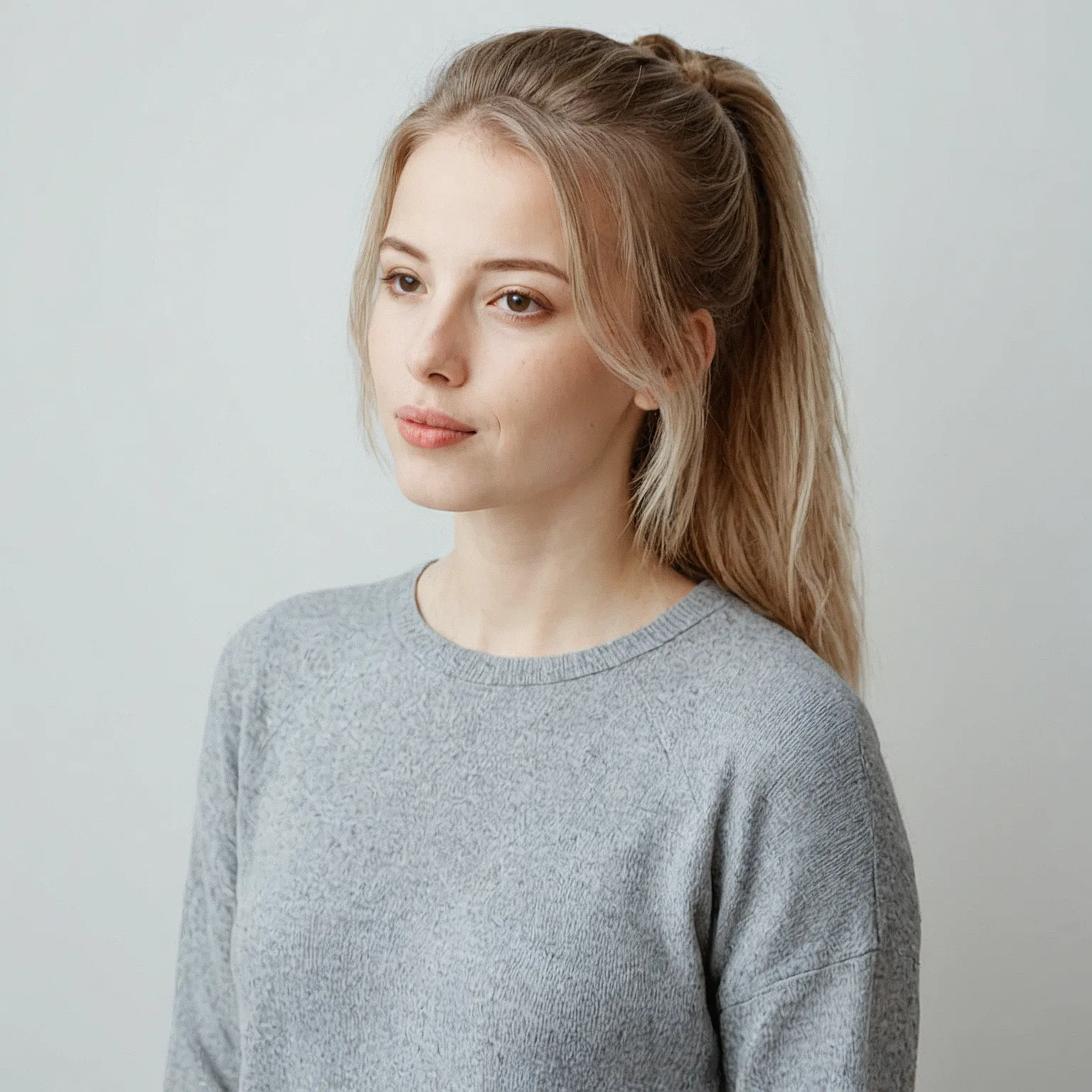
Another powerful tool is reference-based prompting, where you provide the AI with a sample image of your character in a specific style. The AI then uses this reference to generate new images that closely match the original in terms of proportions, colors, and details. This technique is invaluable for maintaining consistency when working with multiple artists or AI models, as it provides a visual anchor that all outputs can be compared against.
Pose and Expression Consistency: The Subtle Art of Visual Storytelling
A character’s pose and expression are the silent storytellers of their narrative. Whether they’re striking a heroic stance or gazing pensively into the distance, these visual cues convey emotion, intent, and personality. Achieving consistency in poses and expressions across 100 images requires a blend of technical precision and artistic intuition.
Start by creating a pose library, a collection of reference images that capture your character in a variety of stances, from relaxed to dynamic. This library will serve as a guide for the AI, ensuring that each generated image aligns with the desired mood and narrative context. For example, a character in a combat scene might adopt a wide stance with clenched fists, while the same character in a romantic moment could be depicted with a gentle smile and relaxed posture.
To maintain consistency in facial expressions, use expression mapping techniques. AI tools like DeepFaceLab or custom-trained models can analyze reference images and replicate specific expressions—such as a smirk, a frown, or a look of surprise—across multiple outputs. This ensures that your character’s emotional range remains coherent, even as their surroundings change.
Another technique is pose interpolation, where you generate a series of images that show your character transitioning between poses. This creates a sense of fluidity and continuity, particularly useful for animations or sequential art. For example, you could generate images of your character walking, running, or dancing, with each pose building on the last to create a cohesive visual narrative.
Clothing and Accessory Variations: The Nuances of Adaptive Fashion
Clothing and accessories are more than just decorative elements—they are extensions of your character’s personality and narrative. Whether your protagonist is a rugged adventurer clad in leather armor or a sophisticated socialite in an evening gown, their attire should evolve organically with the story while retaining a core visual identity.
Start by defining a wardrobe palette, a curated selection of outfits that align with your character’s personality and the settings they inhabit. This palette should include variations in color, fabric, and style, ensuring that each outfit feels distinct yet cohesive. For example, a character might wear a practical denim jacket in a casual scene but switch to an elegant silk dress for a formal event.
To maintain consistency in clothing details—such as the fit of a jacket, the drape of a dress, or the pattern of a shirt—use texture mapping techniques. AI models can analyze reference images and replicate the texture, color, and fit of clothing across multiple outputs. This ensures that a character’s signature scarf or a unique belt buckle remains recognizable, no matter how their outfit changes.
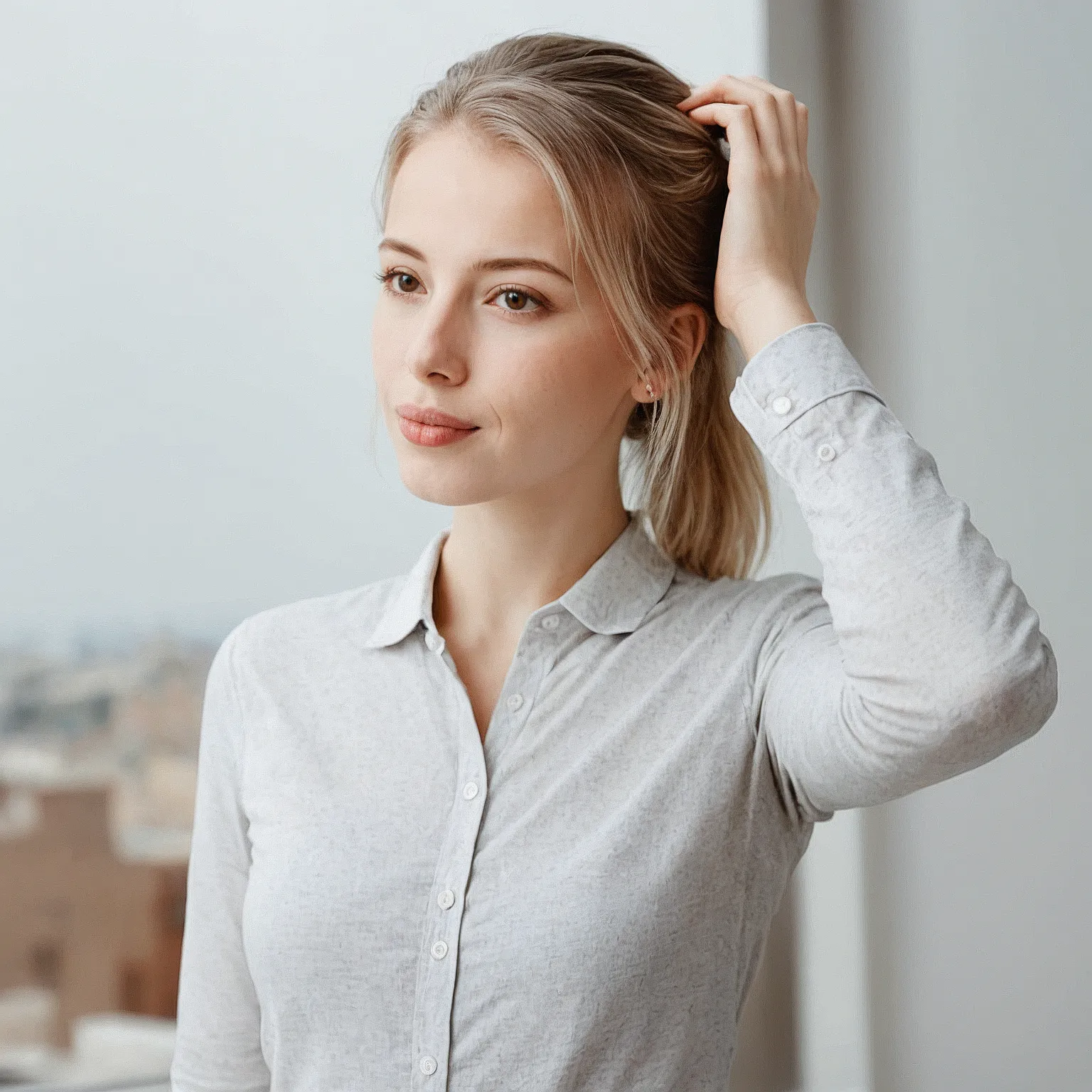
Don’t overlook the power of accessory consistency. Items like glasses, jewelry, or hats can become iconic elements of your character’s design. Use AI tools to ensure these accessories are rendered consistently, with the same shape, color, and placement across all images. This level of detail adds depth to your character, making them feel like a fully realized individual rather than a generic template.
Lighting and Atmosphere: Crafting the Mood Through Visual Consistency
Lighting is the invisible hand that shapes the mood of an image, casting shadows, highlighting features, and evoking emotions. For a consistent character to thrive across 100 images, the lighting and atmosphere must be carefully controlled, ensuring that each scene feels cohesive yet distinct.
Start by establishing a lighting guide, a set of rules that dictate how light interacts with your character in different settings. For example, a character in a dimly lit room might be illuminated by a single candle, casting dramatic shadows across their face. In contrast, the same character in a sunlit garden would be bathed in soft, diffused light, highlighting their features with warmth.
Use color grading to maintain a consistent visual tone across all images. Tools like Adobe Lightroom or AI-powered plugins can apply a uniform color palette to your character, ensuring that their skin tone, clothing, and surroundings harmonize with the narrative’s mood. For example, a melancholic scene might feature cool, desaturated tones, while a joyful moment could be rendered in vibrant, saturated hues.
Atmospheric effects—such as fog, rain, or lens flares—can also play a role in shaping the mood. Use AI to apply these effects consistently, ensuring that your character’s environment enhances rather than distracts from their presence. For example, a character walking through a misty forest should retain their core design elements, with the fog serving as a subtle backdrop rather than an overwhelming visual element.
Advanced Techniques: Training Custom AI Models for Unparalleled Consistency
While off-the-shelf AI tools can produce impressive results, achieving true consistency across 100 images often requires a more tailored approach. Training a custom AI model allows you to fine-tune the AI’s understanding of your character, resulting in outputs that are not just consistent but virtually indistinguishable from one another.
Start by collecting a training dataset, a large collection of images that showcase your character in various poses, outfits, and settings. This dataset should be diverse enough to cover all possible variations but focused enough to ensure the AI learns the nuances of your character’s design. Tools like AUTOMATIC1111’s Stable Diffusion WebUI or ComfyUI can be used to train custom models on this dataset.
During training, pay close attention to the hyperparameters, such as learning rate, batch size, and training steps. These settings determine how well the AI absorbs the nuances of your character’s design. For example, a higher learning rate might cause the AI to overfit, resulting in outputs that lack diversity, while a lower learning rate might produce overly generic results.
Once your custom model is trained, use it to generate images with a consistency seed. This seed acts as a starting point for the AI’s creative process, ensuring that each output is a variation of the same core design. By combining a consistency seed with carefully crafted prompts, you can generate hundreds of images that feel like they belong to the same visual universe.
The Final Touch: Post-Processing and Quality Control
Even the most meticulously crafted AI-generated images can benefit from a final round of post-processing. This step is where the raw outputs are refined, polished, and perfected, ensuring that every detail aligns with your vision. Post-processing is the bridge between AI creativity and professional-grade visuals, transforming good images into great ones.
Start with basic adjustments, such as cropping, resizing, and color correction. These tweaks ensure that all images meet the technical requirements of your project, whether it’s for print, digital media, or animation. Tools like Adobe Photoshop, GIMP, or even AI-powered plugins like Topaz Gigapixel AI can enhance resolution and clarity, making your character’s features crisp and defined.
Next, focus on detail enhancement. Use sharpening tools to emphasize key features, such as the eyes, hair, or clothing textures. Pay special attention to the character’s face, ensuring that expressions and emotions are conveyed with precision. For example, a subtle increase in contrast around the eyes can make a character’s gaze feel more intense and engaging.
Finally, conduct a consistency audit. Review all 100 images side by side, checking for visual discrepancies in lighting, proportions, and details. Use tools like Adobe Bridge or a simple image comparison plugin to spot inconsistencies, such as a character’s hair appearing darker in one image or their clothing fitting differently in another. Address these issues with targeted adjustments, ensuring that every image feels like part of a cohesive whole.
The journey of creating a consistent character across 100 images with AI is a testament to the power of technology and creativity working in harmony. From the initial spark of an idea to the final polish of post-processing, each step is an opportunity to refine and elevate your vision. The result is not just a collection of images, but a living, breathing character who can traverse countless worlds while remaining unmistakably themselves. Whether you’re a digital artist, a storyteller, or a brand creator, the ability to craft such consistency opens doors to new realms of possibility—where every pixel tells a story, and every detail matters.


Leave a Comment